

Mac users enjoy the least exposures in front virus and applications malware, but they are not fully protected from these dangers.
We tell you from experience as on Mac You can stay for years without installing an antivirus or anti-malware, provided you know what applications you install, from what sources and changes they produce in the operating system MacOS.
A malware (virus) commonly encountered is the one who Automatically redirects Google search engine to other dubious search engines. Yahoo. Bing, Comcast And others. These types of malware make it impossible to open Google Search in the browser or search for keywords on Google directly from the address bar. Immediately you will be redirected to a genre search engine ”tld.search.yahoo.com"With the query address"yhs/search?hspart=flowsurf&hsimp=yhs-perfecttab “.
In our example the internet affected browser was Safari on macOS Mojave, but this kind of browser hijacker is also found on Chrome or Firefox. The most used browsers globally.
Where does Google Redirect virus appear?
Most of the time it is installed with the "free" applications that promise to make your Mac faster and cleaner. Mac Cleanup Pro It is one of these applications that install this Hijacker malware with it.
Every time you install a free application or that will make many promises, it is good to be cautious. Usually, when you receive something free, it means that you are the product.
Apple has very well optimized maccos operating systems, and installing such an application would be totally useless.
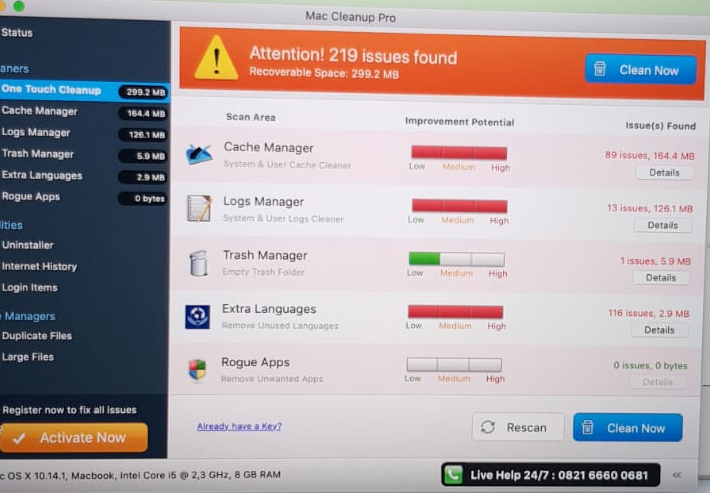
Of course, Mac Cleanup Pro shows us that we have only 219 "problems" on the system and that it would be good to buy a license to solve them. In addition, the phone number for the support is one with surcharge.
So we have to deal with spyware, malware virus application.
How we get rid of the Hijackers Browser applications that redirect Google to Yahoo! Search, bing! Search or comcast
The simplest solution is to download and install Malwarebytes for MacOS. In the "Premium" version it is free for 14 days and does its job excellent.
You can Download free malwarebytes from here.
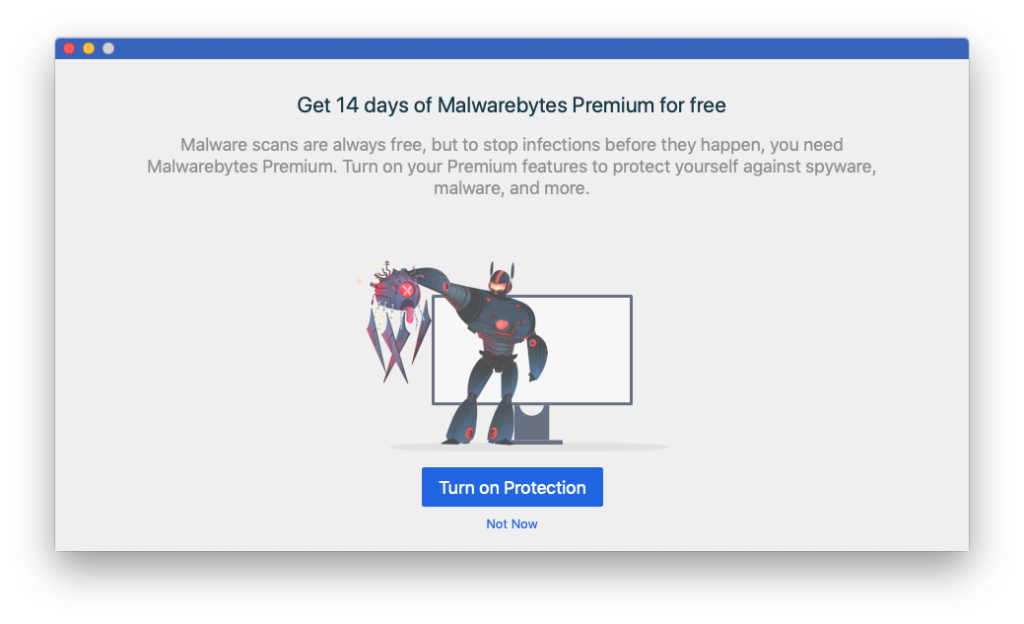
Click “Turn on Protection"Then follow the installation steps. You will have to access"System Preferences” → “Security & Privacy"To allow rolling access on macos. Click on the lock on the bottom, then click"Allow"For Malwarebytes.
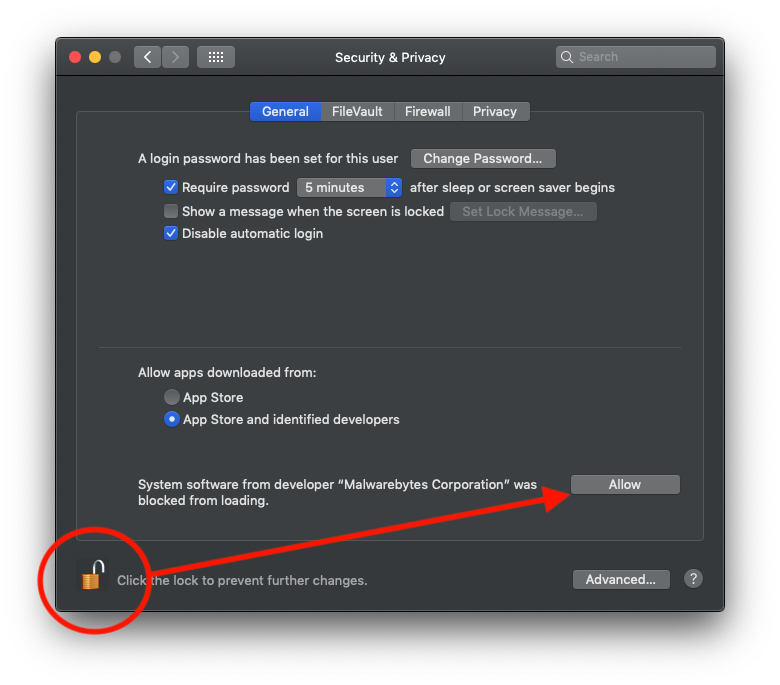
After this step, go to Malwarebytes and start the scan.
If in the final report you will see dubious files, select and delete them from the application.
Once the correct cleaning operation, you close safari or the browser affected by everything, then restart the operating system.




































