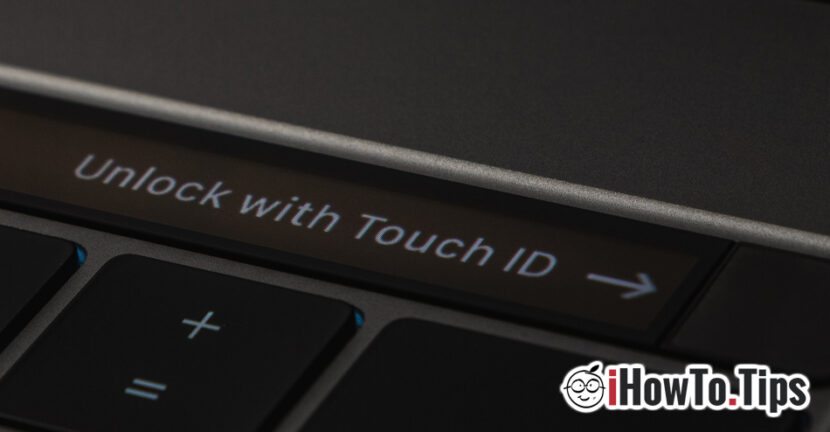

Touch ID It is an older problem for users of Macbook Pro. There have been updates in the past, after which many users have accused that Touch ID no longer works and cannot be reset.
Fortunately this problem of Touch ID It is not caused by a hardware error, as has happened in the case of swollen MacBook batteries.
Many users have thought that a solution to solve is SA Stearga fingerprint from Touch ID and add it again. Unfortunately, "Add Fingerprint"It was not a solution that would restore the proper function of Touch ID. Moreover," add fingerprint "does not respond properly to the setting operation of the new fingerprint.
About this problem Apple has not said anything for now, although it persists in various forms for several Mac users, even if in the meantime updates have been done. I say "in various" forms, because in some the touch ID works immediately after the MAC opening, as then, when leaving the "sleep" users are forced to enter the system password. "Unlock with Touch ID” It is no longer functional.
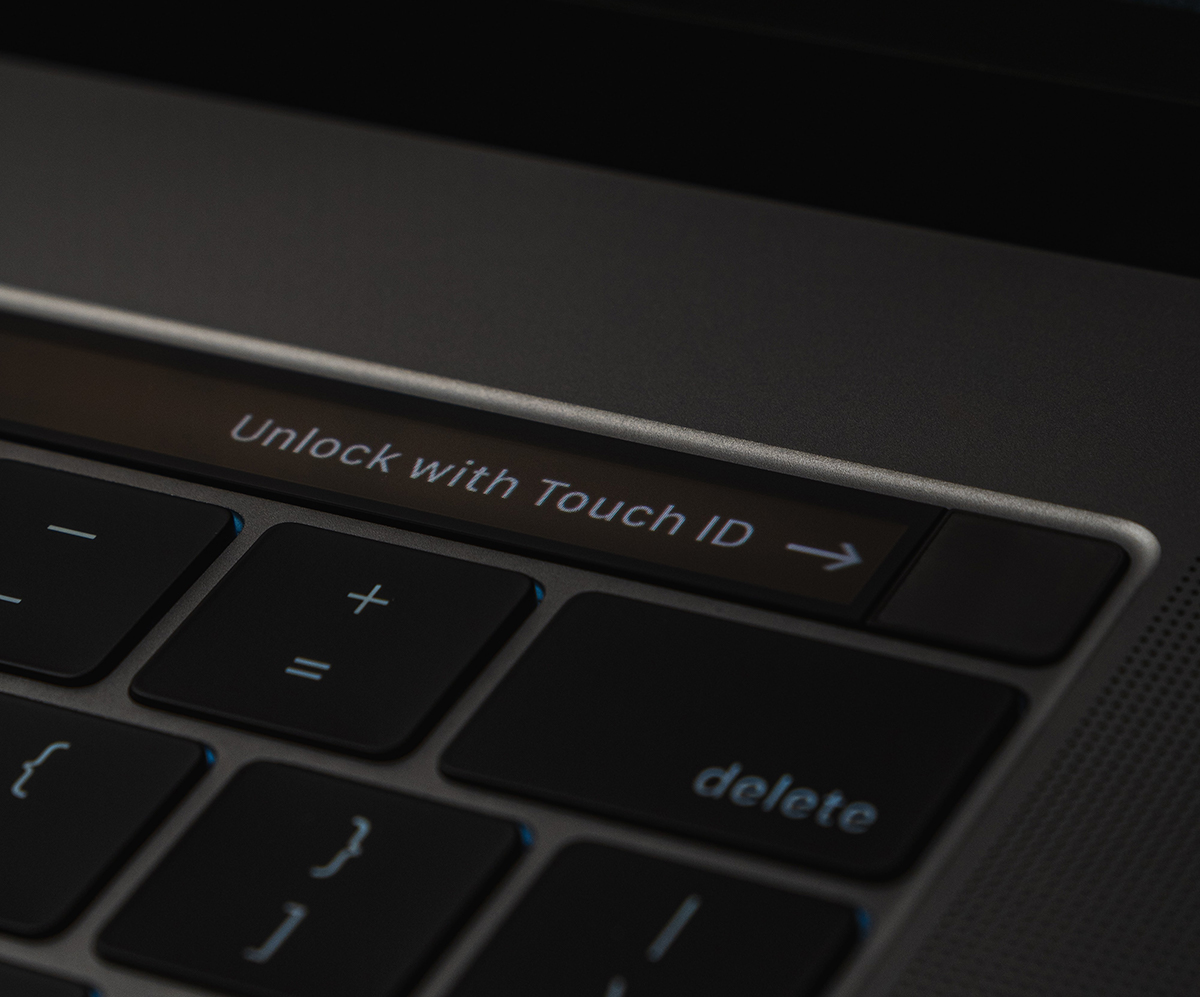
How we solve the Touch ID / Add Fingerprint problem on Macos Big Sur
It may seem quite strange, but we all know that a closed Mac (shut down) is not completely stopped, and the moment of closing maccos saves information about the state of the system, which it launches with restart. In an older tutorial I have shown what they are Causes from which Touch ID do not work. This time, the problem is a little more complicated, but for some of the users it has been solved very simply, with a "hard down". Porti MacBook, then hold the "Power" button for a few seconds, until MacBook will close everything. After restart, check if Touch ID and "add fingerprint" options work properly. It could be the saving solution, until a solution comes from Apple.




































