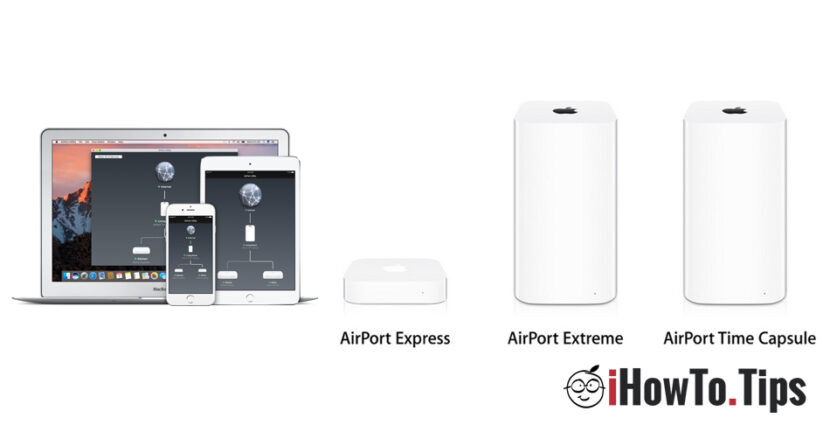

AirPort Express, Airport Extreme and AirPort Time Capsule They are the only routers (Airport Base Station) launched by Apple over the years. These routers are especially recommended to users of Mac, iPhone, AppleTV, iPad and other devices with internet connection, from the ecosystem Apple.
Compared to other routers on the market, Airport Base Station Extreme, Time Capsule and Express do not have a default IP address by which to authenticate in the web interface at the device settings.
Apple route management support is done through the application AirPort Utility this by deafult on all operating systems MacOS and available in App Store For iPad, iPod touch and iPad.
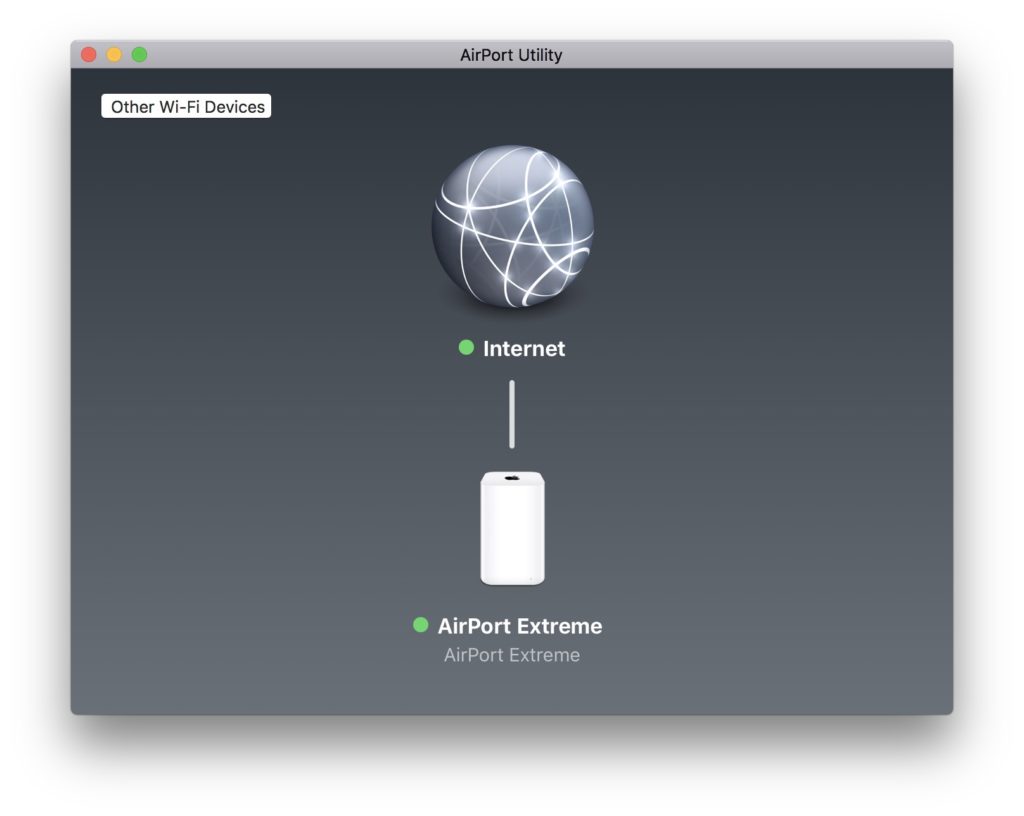
Users of Windows PC who bought the router Apple, I can configures also via the Airport Utility application for Windows, available at Download on the site official. Here.
When the router is configured correctly and on it there Internet connection active, both the LED on it and the bulletin right of the device in Airport Utility will be of green colour. Otherwise, this light of these state indicators will be orange (Orange).
if you see The orange LED blinkto the Airport Extreme or Airport Time Capsule router and the settings and the Internet connection are okay, it most likely warns you that one is available update or a firmware upgrade.
How we upgrade or firmware update of an Apple Airport Extreme, Airport Time Capsule or Airport Express
When we see the LED indicator lights on the router flashing orange, we go to the PC or Mac that we have installed Airport Utility and open the application.
In the interface of the Airport Utility application we will see that here we receive the same status signal. The first step is to click on the router icon and see what is the cause of the alert.
In our case, one is available update de firmware (Internal Software of the router)
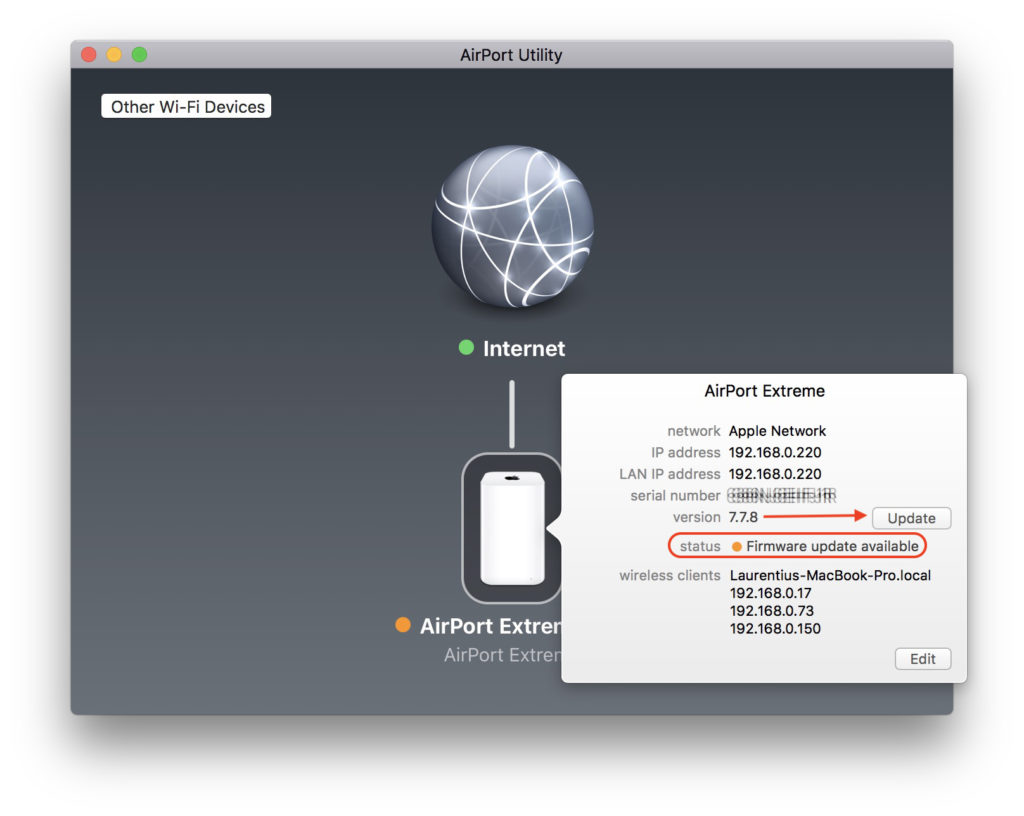
Click on the "Update" button in the Airport Utility interface, then we will be warned that for a while the router will be unavailable. All devices (iPhone, smartphone, Smart TV, printer, Mac or Windows PC) will be temporarily disconnected from the internet.
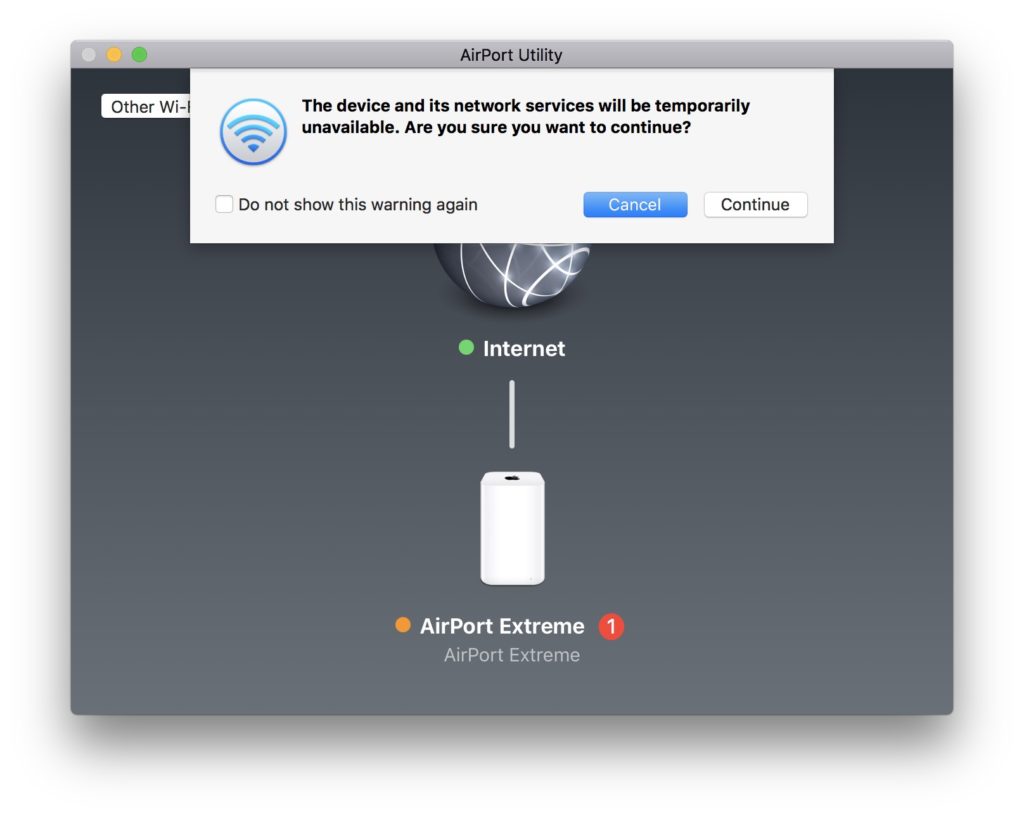
Click “Continue"For the installation of the firmware update.
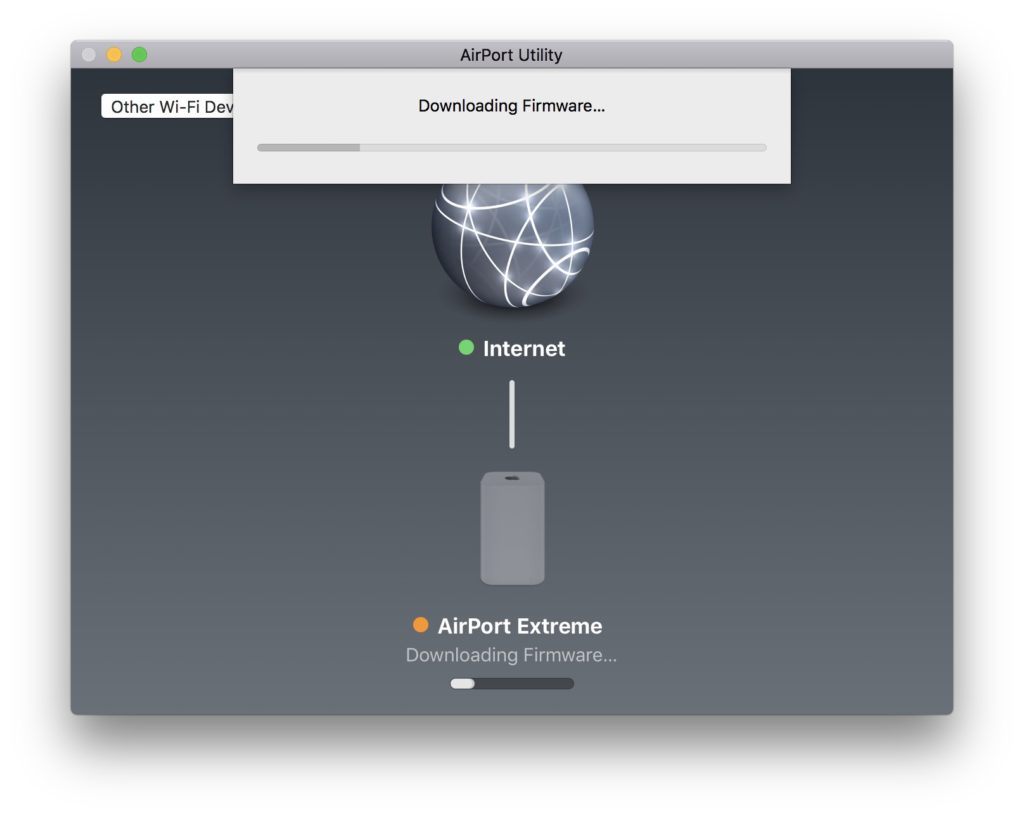
During the firmware update of the Airport router the Wi-Fi network will no longer be visible in the list of available wireless networks, and the computer from which you initiated the update will be disconnected from the network.
Follow the state LED on the airport, and when it comes on green, you can reconnect to the router.
Apple regularly updates the software of these devices, bringing first security improvements and stabilitate.
The latest firmware update is from December 12, 2017 and solves some security issues.
AirPort Base Station Firmware
Available for: AirPort Extreme and AirPort Time Capsule base stations with 802.11ac
Impact: An attacker within range may be able to execute arbitrary code on the Wi-Fi chip
Description: A memory corruption issue was addressed with improved memory handling.
CVE-2017-9417: Nitay Artenstein of Exodus Intelligence
AirPort Base Station Firmware
Available for: AirPort Extreme and AirPort Time Capsule base stations with 802.11ac
Impact: An attacker in Wi-Fi range may force nonce reuse in WPA unicast/PTK clients (Key Reinstallation Attacks – KRACK)
Description: A logic issue existed in the handling of state transitions. This was addressed with improved state management.
CVE-2017-13077: Mathy Vanhoef of the imec-DistriNet group at KU Leuven
CVE-2017-13078: Mathy Vanhoef of the imec-DistriNet group at KU Leuven
AirPort Base Station Firmware
Available for: AirPort Extreme and AirPort Time Capsule base stations with 802.11ac
Impact: An attacker in Wi-Fi range may force nonce reuse in WPA multicast/GTK clients (Key Reinstallation Attacks – KRACK)
Description: A logic issue existed in the handling of state transitions. This was addressed with improved state management.
CVE-2017-13080: Mathy Vanhoef of the imec-DistriNet group at KU Leuven
via: apple.com.




































