

Even if you have iOS set in a certain language, you can choose that some applications have menus and functions in another language. Starting with the iOS 13 operating system, you can change the language of iPhone / iPad applications.
With the launch of iOS 13 and iPados 13, many news appeared on iPhone and iPad. One of these is the possibility to change the language in which an app is displayed. By default, the language in which the menu, the options and information in an application are displayed is given by the language chosen for the operating system. It is known that many users choose as an English installation/display language, although their mother tongue is quite different. Most likely because they were accustomed to PC operating systems, where most applications have English menus.
On the iOS 13 operating system, support has been introduced by which it offers the possibility of users to choose the language in which an app is displayed. For example, if you have iOS with the English interface, you can opt for any application to be displayed in another language, if the developers of the respective application, of course, added the language of you.
Let's take the Pages app, developed by Apple as an example. On an iPhone installed in English, the app will automatically display all information, menus and system settings.
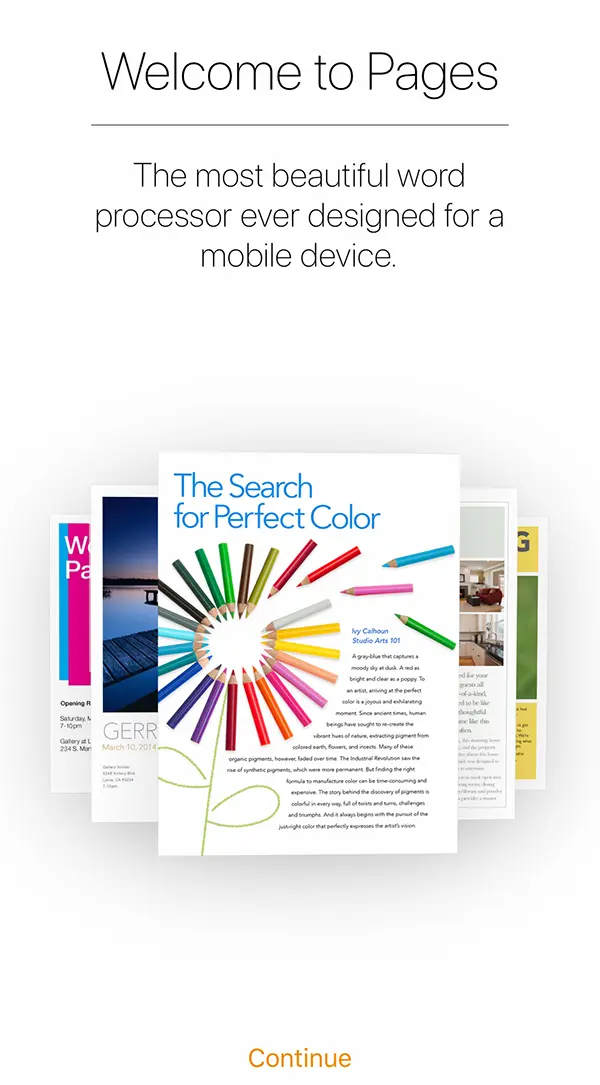
How can you change the applications language for iPhone / iPad
First of all, in order to change the language of iPhone applications, they must provide support for the language you want to set. Both Apple and other developers applications offer support for applications in multiple languages.
In my example I took the application ”Pages", Developed by Apple. It is the correspondence of the application Microsoft Word For macos, iPados, iOS.
If you want to change the language for the Pages app all you have to do is go in: Settings → Pages → Language → Select The new language in which you want the app is displayed.
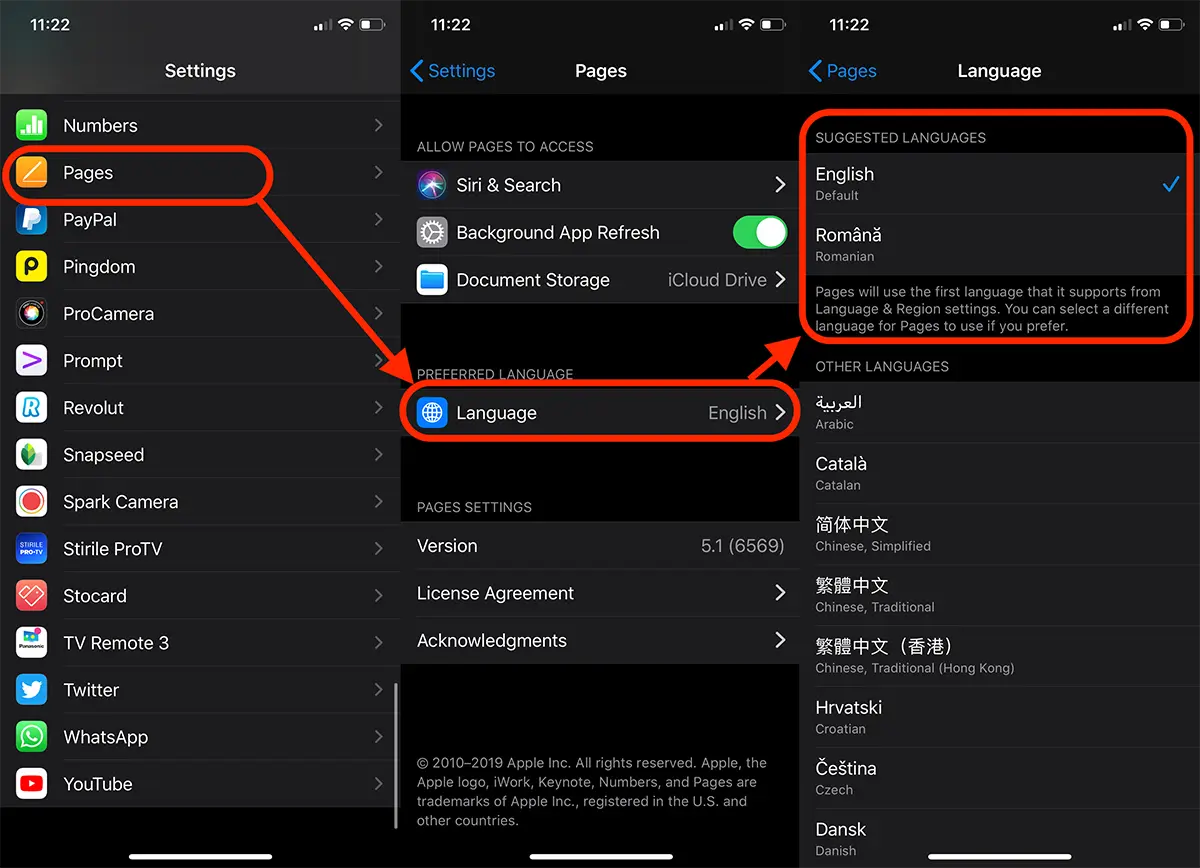
Once this modification is made, redishes the app. This will open with the menus and options in the new language, chosen by you.
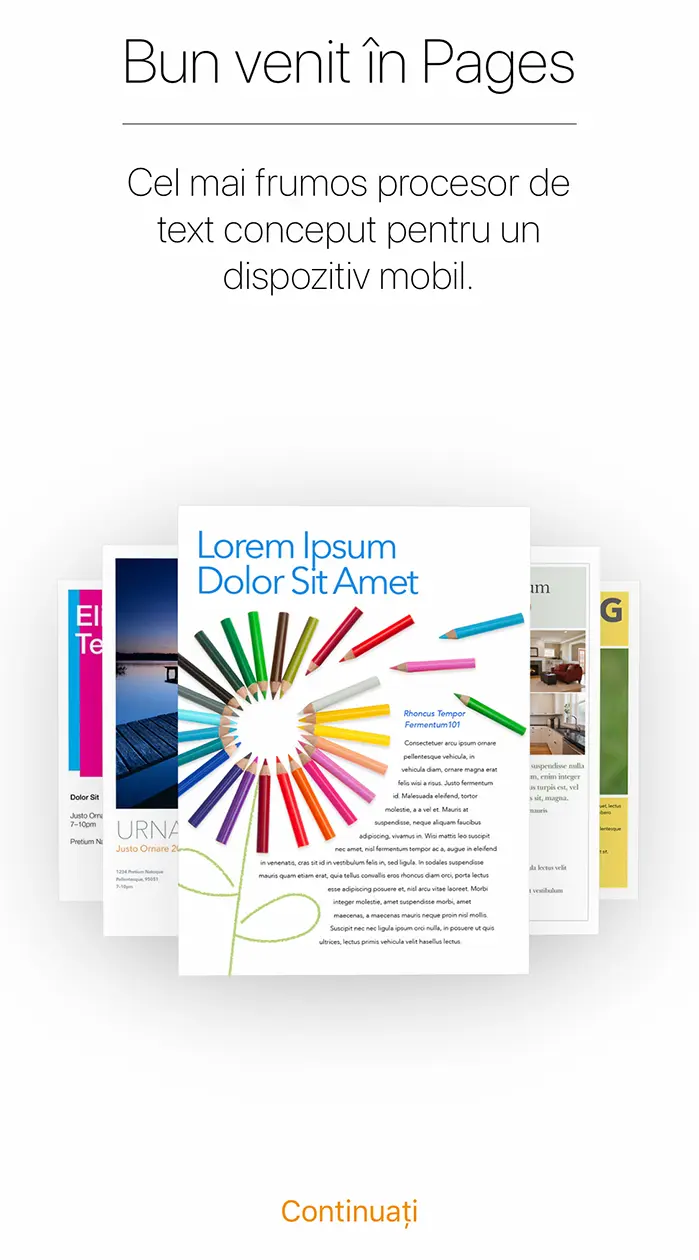
In the same way you can change the language for other applications such as: WhatsApp, Tiktok, Instagram, Facebook and others.
If the language you want is not under the menu ”Preferred Language", It means that developers did not include that language for the application.
Related: How do you change applications language on operating systems macOS / Mac.
Applications that are developed only in one language (English, most of the time), do not have the option ”Language"In settings.




































