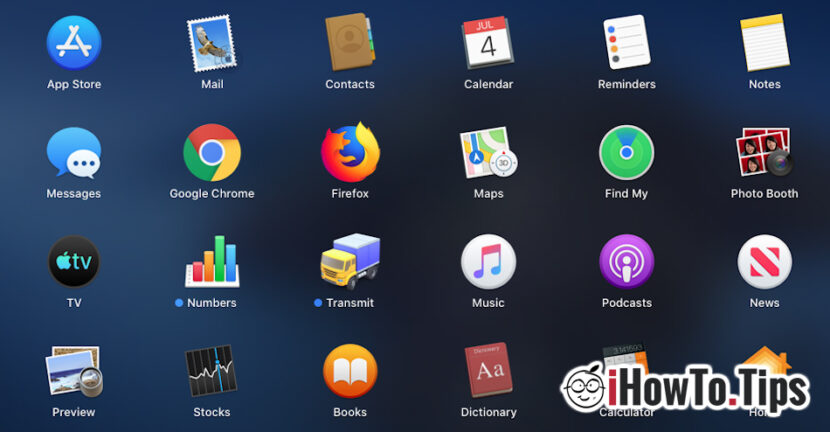

Many users testing Catalina macOS in beta version, they complained about the fact that third parties installed on the system They are missing completely from Launchpad. We also tested this, and after installing Google Chrome, Firefox And other applications, we found that the only solution to open them is to sail in the folder dedicated to applications and run them directly from there.
Let's go to the folder ”Applications"And to run the applications there, it is not really available. It would be much easier that the third applications, installed on the macos, In Apara in Launchpad.
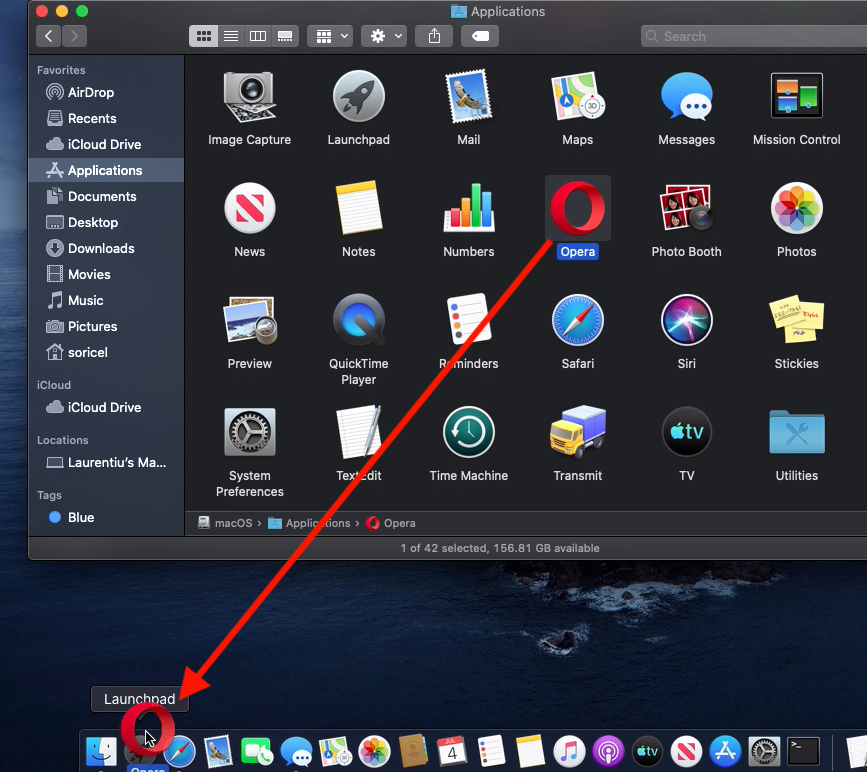
As far as it seems, This is not a Beta version bug, as I thought initially. Once with Macos Catalina, Apple will change the way Administration of applications in Launchpad. Specifically, third parties (Chrome, Firefox, Photoshop, etc.), What will not be installed from the App Store, will not be automatically present in Launchpad. They can be added by the user, pulling the icon of the application from the folder "Applications" Over the gray icon of Launchpad from Dock Bar.
How to add an application installed in Lauchpad on Macos Catalina
If you are in the situation where you have installed an application from somewhere other than from the App Store, and the launch icon do not see it in Launchpad with the other applications, you go through the following steps:
1. Go to the "Applications" folder.
2. Select and draw the icon. Launch of the application, over Launchpad. (Opera, in our example)
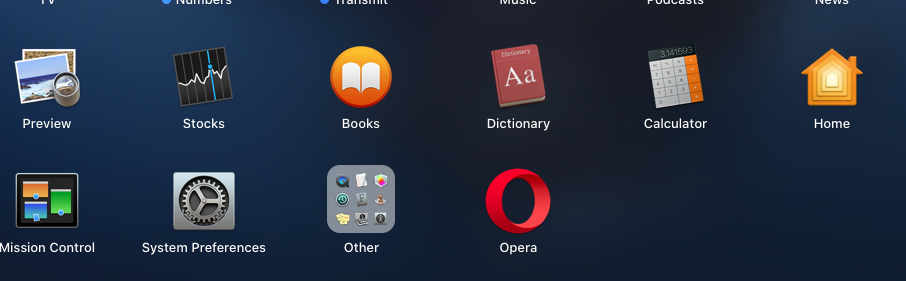
3. Depart Launchpad and check if the application is present with the other applications.
Most likely, until the final version that is preparing to be launched this fall, Apple will make changes to Launchpad.




































