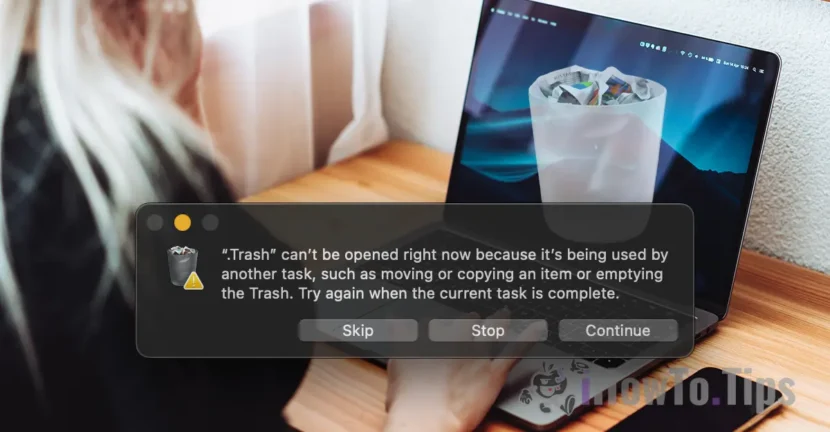

Today I want to show you how to solve an error that appears random on the maccos operating system when you want to empty the trash (Empty Trash), is: Trash can’t be opened right now because it’s being used by another task, such as moving or copying an item or emptying the Trash. Try again when the current task is complete.
Basically, this error of total deletion of the trash on the MAC, appears when the user clicks on "Trash" and click on "Empty Trash".
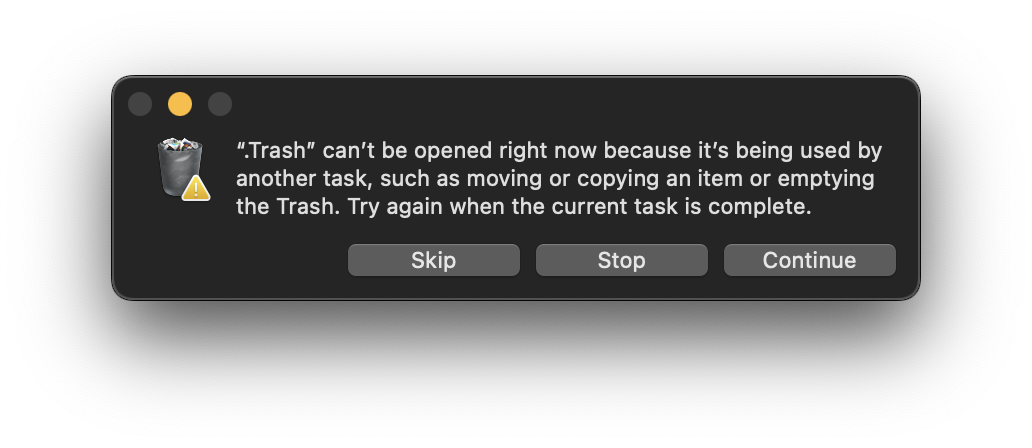
From what I noticed, the problem arises when files are deleted that are not totally synchronized in iCloud, but fortunately, the solution is very simple.
Table of Contents
Rezolvare eroare golire coș de gunoi pe Mac: Trash can’t be opened right now because it’s being used by another task.
There are three ways you can try to empty the trash on Mac.
Method 1
The most handy method is to restart the operating system. Make sure you have everything that is open in applications and then go to Apple logo from the top of the screen, Click "Restart". Choose not to reopened applications after restart.
Method 2
The second method is to restart the "Finder" service, which is most often responsible for administering directors and files on macos.
1. Press the keys simultaneously: Command - Options - Esc.
2. In the box that opens, select Finder.
3. Click on the "relaunch" button.
4. Reconfirm the relaunch of the Finder app with click on the "relaunch" button.
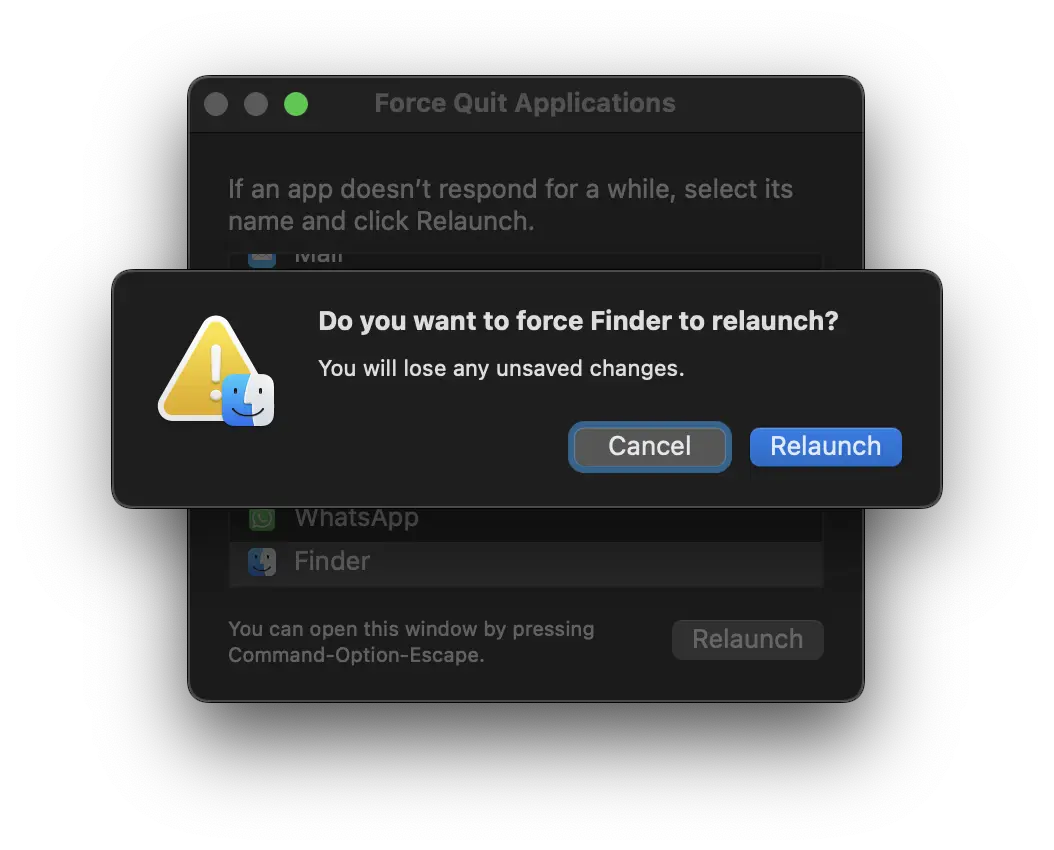
In my case, this method worked best to solve ”Trash can’t be opened right now because it’s being used by another task.”.
Method 3
I recommend that this method be used only if the first two did not work.
This method consists of manually deleting files from the two roots of the director Trash.
1. Go to the top bar to: "Finder" → "Go" → "Go to Folder ..." and introduce the following way:
~/.Trash
2. The location in which it is reached is actually the root of the trash on the hard disk. Manually delete all the contents of this folder.
3. The next step is to use everything "go to folder" and go to the root of the ICLOUD Drive folder. Introduce the way:
~/Library/Mobile Documents/com~apple~clouddocs/.Trash
4. Delete all the files present in the folder ”.Trash"Including the file".DS_Store"
If you are not allowed to manually delete from "Finder" open the terminal utility and execute the control line below:
sudo rm -rf ~/Library/Mobile Documents/com~apple~clouddocs/.Trash
After this step, the contents of the Trash Folder and delete and error "Trash can be opened right now because 'being use by another task." should not appear.
Related: Can't create a new folder when you download files in safari? [Resolution]
Do you need help? Do you know other methods? It would be nice if you write in the comments.





































Great article. Thanks for help!