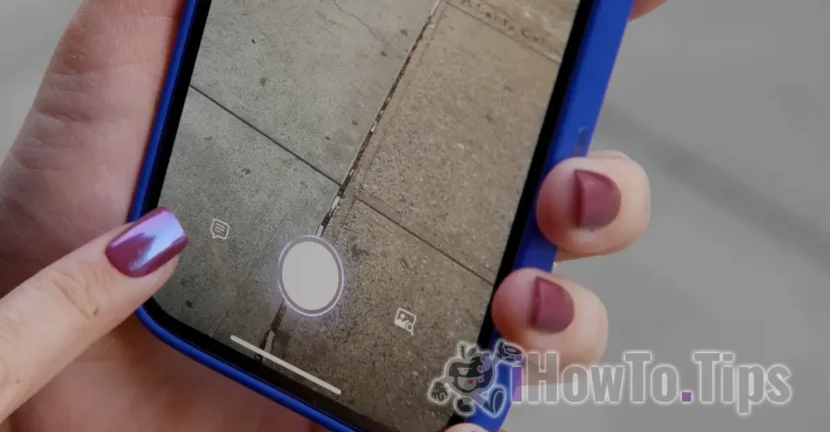

Last month, Apple launched IOS 18.2, an update that introduces new features based on Apple Intelligence, some of them directly interacting with the device camera. However, for some users, it has caused more problems than improvements, especially in terms of the operation of the camera and iPhone flashlight. Basically, the iPhone camera remains blocked after the update at iOS 18.2 has been made.
Table of Contents
Problems with iPhone devices reported by users
Several users have reported Reddit and X (former Twitter) major problems after updating at iOS 18.2. The camera refuses to operate properly by displaying a black screen at the application opening. This requires two or three attempts to become functional. The situation is similar in applications like Snapchat. Also, the flashlight either does not work at all or activates with a significant delay.
A user, CryptographerWeary64, described the situation as follows:
"Since I have updated at iOS 18.2, the camera refuses to work sometimes. For example, when I try to use the camera application, it only displays a black screen, and to make it work I have to reopen it 2-3 times. The same thing happens on Snapchat.
Other users, like sfjerry415, initially thought the problem is a hardware one, especially if the phone was new:
"I thought it was a problem of my phone, but after I checked the forums, I saw that it appears to several users of iOS 18.2. My phone is new, but it seems that the problem is related to software."
IPhone devices were stuck (brick) after users followed Apple advice
An alarming aspect is that some users who have requested Apple have received the advice to reset their phone at factory settings. In some cases, this process led to the "brick"-the sound of the phone (the device becomes unusable). In other words, the attempt to solve the problem in which the iPhone camera remains blocked, has led to the device lock.
A user on Reddit,Impossible-Profit245, reported the following:
"I called Apple, and they advised me to reset. I did this, but there was an error, and now my phone is unusable."
Other issues reported by iPhone users with iOS 18.2
In addition to those who reported the problem in which the iPhone camera remains blocked, some users have encountered difficulties with Face ID, which either no longer works or responds very slowly. The use of Apple Pay has also been affected in similar cases. The facial identification system with Face ID is absolutely necessary for Apple Pay.
What can you do when the iPhone camera stays blocked or does the flashlight not work?
Some users have managed to temporarily solve the problems by forcing the phone or by stopping and restoring it. However, these solutions are not guaranteed and do not work for all affected users.
Apparently, this problem affects users for whom Apple Intelligence is available. These problems have not been reported by users in the European Union or other countries where Apple Intelligence is not available on iPhone devices. Most likely, this problem is related to the new Visual Intelligence feature, introduced with iOS 18.2.
Related: iOS 18.2. Compatibility and Apple Intelligence news
When will this error be officially resolved?
In December, Apple confirmed that IOS 18.2.1 tests, a minor update that should solve some of the problems reported. Although the company has not explicitly specified that this update will address the camera bug, there is high chances that the problem will be corrected with its launch.
Until then, users are advised to avoid reset to factory settings and wait for Apple's official update.




































